Tools.
Vanity cards for your GitHub README — live, auto-updating, one line to paste.
Previews are live from taste.dev/@demo. Yours update the same way, about hourly.
13 cards. Zero forms.
Taste already knows what you ship. Pick a card in the app, paste the line into your README, and it keeps itself up to date.
Header banner
A header that feels like you.
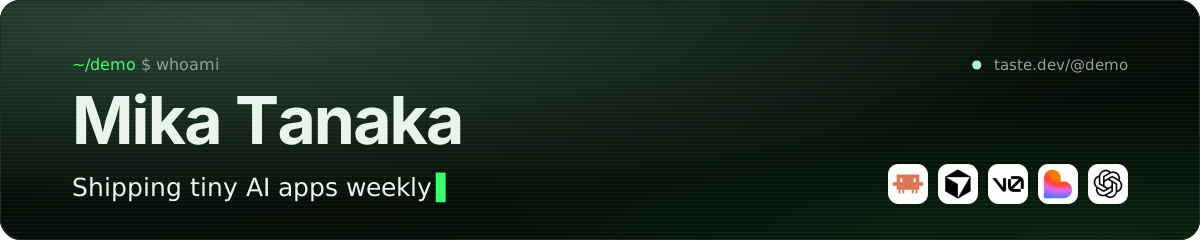
A wide header in your theme: your name, your headline (or ?text=, up to 60 characters) and a blinking cursor.
[](https://taste.dev/@yourname)README stats card
Auto-refreshing. One line to paste.
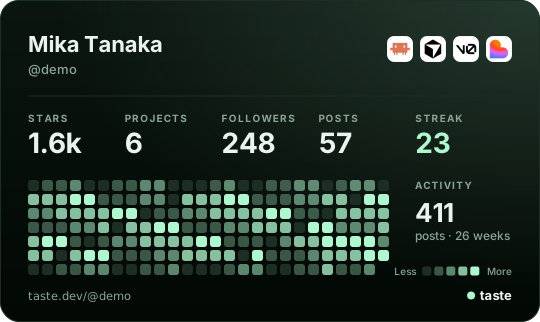
Stars, projects, followers, posts and streak, your top tools and 26 weeks of activity.
[](https://taste.dev/@yourname)Builder reputation
Your giver level and the stats you’re proud of.
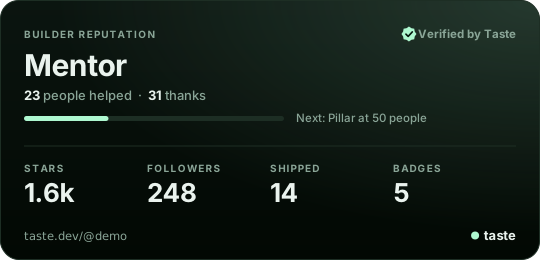
Your pay-it-forward level, people helped and thanks received, with the stats you picked for your card.
[](https://taste.dev/@yourname)Tech stack wall
Your languages and frameworks, as icons.
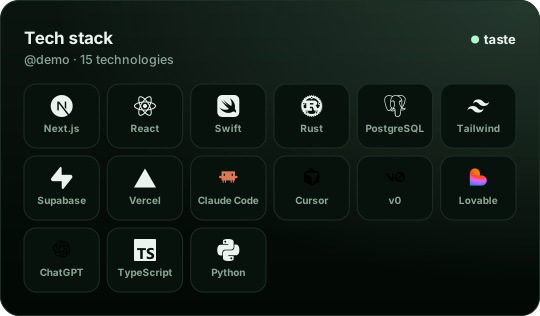
Your languages, frameworks and tools as a wall of icons (up to 24).
[](https://taste.dev/@yourname)Trophy shelf
Every gem you’ve earned, one image.
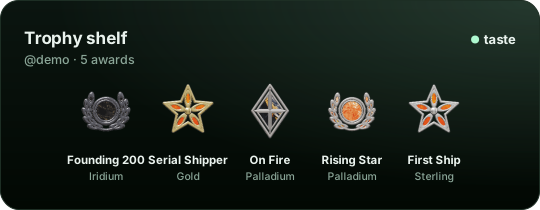
Your earned awards as a row of gems, highest first (up to six).
[](https://taste.dev/@yourname)Latest from Taste
Your three newest posts, always fresh.
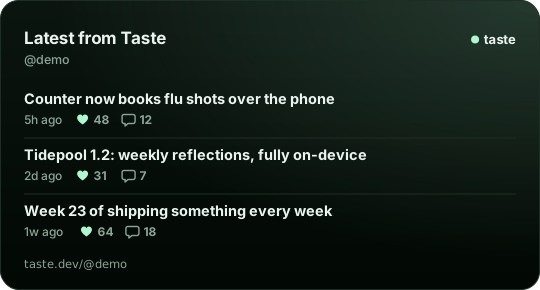
Your three newest posts with likes and comments, linking readers to your page.
[](https://taste.dev/@yourname)Launch card
Your product, its pitch and stars.

A product's card for its README or landing page: screenshot, tagline, stars, followers and a Follow on Taste pill.
[](https://taste.dev/@yourname/your-product)Taste badge
“Builder on Taste” for your README.

A “Builder on Taste” badge that links to your page.
[](https://taste.dev/@yourname)Support me badge
A badge that sends fans to your page.

A “Support my work” badge to link to your Taste page.
[](https://taste.dev/@yourname)AI stack badge
Your tools in one badge.

The AI tools you build with, as one strip of logos.
[](https://taste.dev/@yourname)Streak graph
A year of shipping, one image.
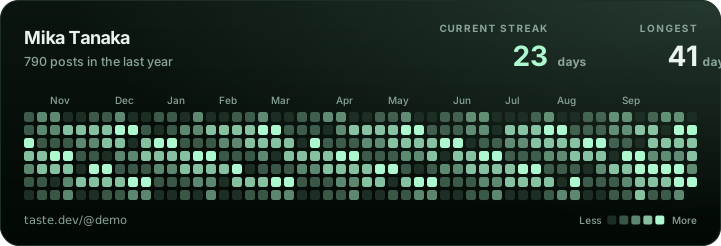
A year of posts as a heatmap, with your current and longest streak.
[](https://taste.dev/@yourname)Top languages
Your languages, from your repos.
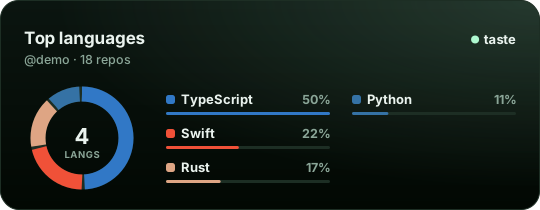
The languages across your repos and products, as a donut with percentages.
[](https://taste.dev/@yourname)Shipping with AI
Your AI tools and how often you ship.
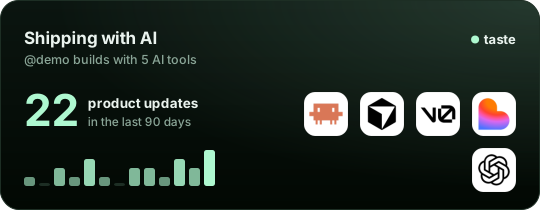
The AI tools you build with and how many product updates you shipped in the last 90 days.
[](https://taste.dev/@yourname)
Your cards are waiting at taste.dev/@you.
Claim your link in the app and every card above is yours — plus Build my README, which assembles them in one copy.
Get the app to claim your link and your cards> model context protocol
Connect your AI (MCP)
Let Claude Code, Cursor or Claude Desktop use Taste for you. It runs on your own AI subscription — Taste doesn’t sell AI usage or tokens.
- Read your feed, posts, builders and notifications
- Post updates as you, labeled “via agent”
- Reply to posts in your voice
- Like what you’d like anyway
https://api.taste.dev/mcpCreate a token in the app
Settings → AI agents → New token. Pick Read, or Read & post. It’s shown once and starts with
taste_pat_.Paste it into your client
Replace
taste_pat_…below with your token. Never commit it.Claude Code
Run in a terminal:
claude mcp add --transport http taste https://api.taste.dev/mcp --header "Authorization: Bearer taste_pat_…"Cursor
Add to ~/.cursor/mcp.json:
{
  "mcpServers": {
    "taste": {
      "url": "https://api.taste.dev/mcp",
      "headers": { "Authorization": "Bearer taste_pat_…" }
    }
  }
}
Claude Desktop
Settings → Developer → Edit Config, add to claude_desktop_config.json, restart:
{
  "mcpServers": {
    "taste": {
      "url": "https://api.taste.dev/mcp",
      "headers": { "Authorization": "Bearer taste_pat_…" }
    }
  }
}
Ask it something
“What shipped on my Taste feed today?”
One-click connect for Claude and ChatGPT is coming. Scopes, limits and every tool: docs/mcp.